God’s Word first, then your phone.
Morning Bread is a free iPhone app that keeps the apps you choose locked each morning until you have read today’s Bible passage.
 Coming soon to the App Store
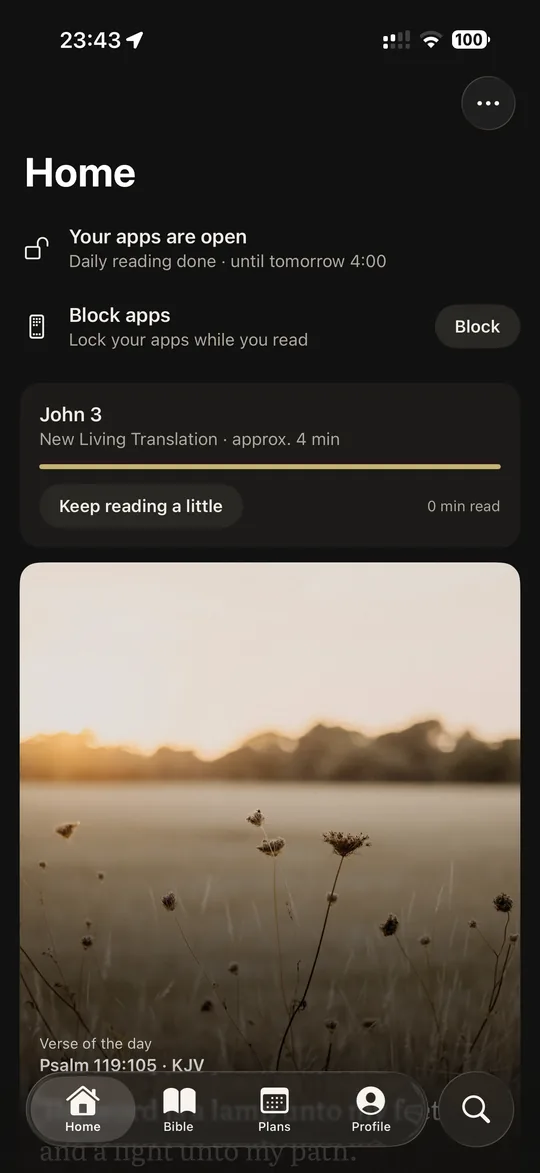
How the morning lock works
-
Choose your apps
Pick the apps you reach for first, such as Instagram, TikTok or YouTube, and the time and days the lock starts.
-
Read today’s passage
One, two or three chapters, or the day’s part of a reading plan you set up yourself.
-
Your apps open
Finish reading and your apps stay open until the next morning. If you need one sooner, the emergency unlock opens your apps for 15 minutes, once a day.
You can also block apps at any other moment, with or without an end time, separate from the morning lock.
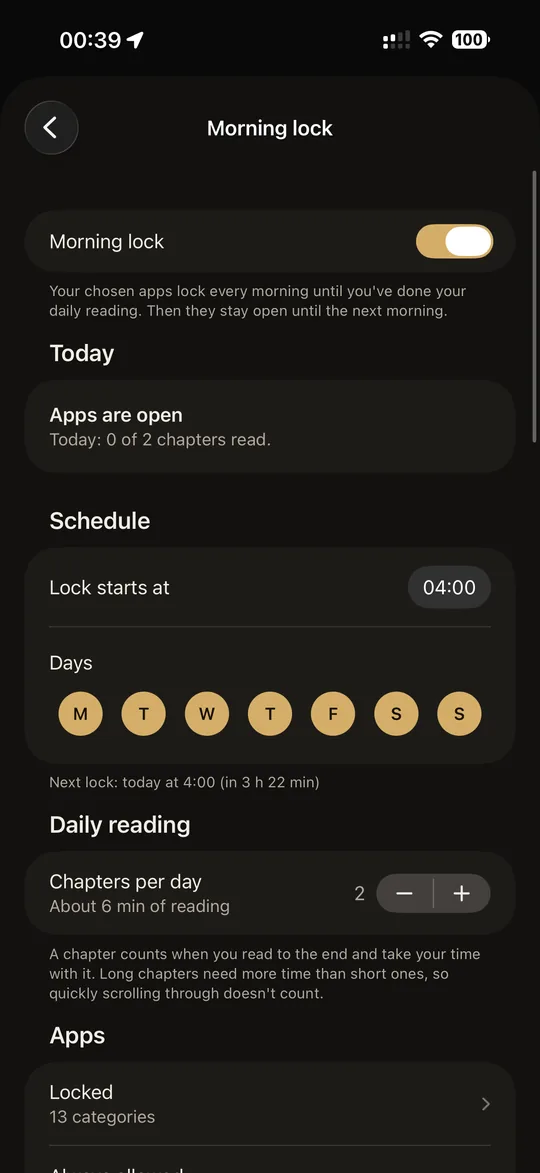
A daily goal or a reading plan of your own
Set a goal of one, two or three chapters a day, or put a plan together: choose the books, the number of days, and whether to read in order or mixed.
Miss a day and Morning Bread shows what to catch up on. A streak and a week overview keep track, without flames or badges.
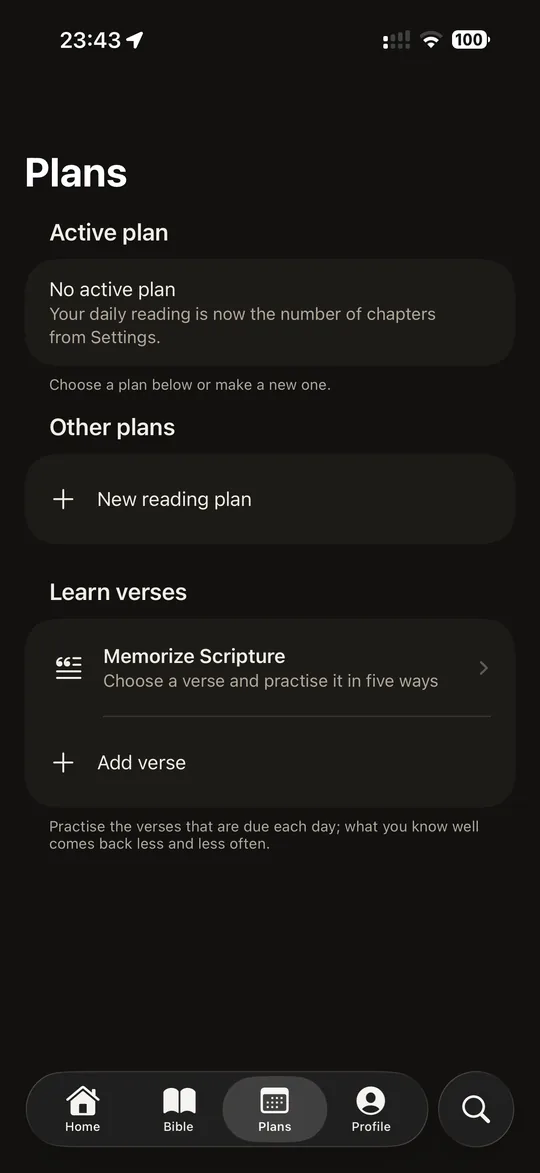
A verse for each day
Each day Home opens with a new verse of the day, shown over a still photograph.
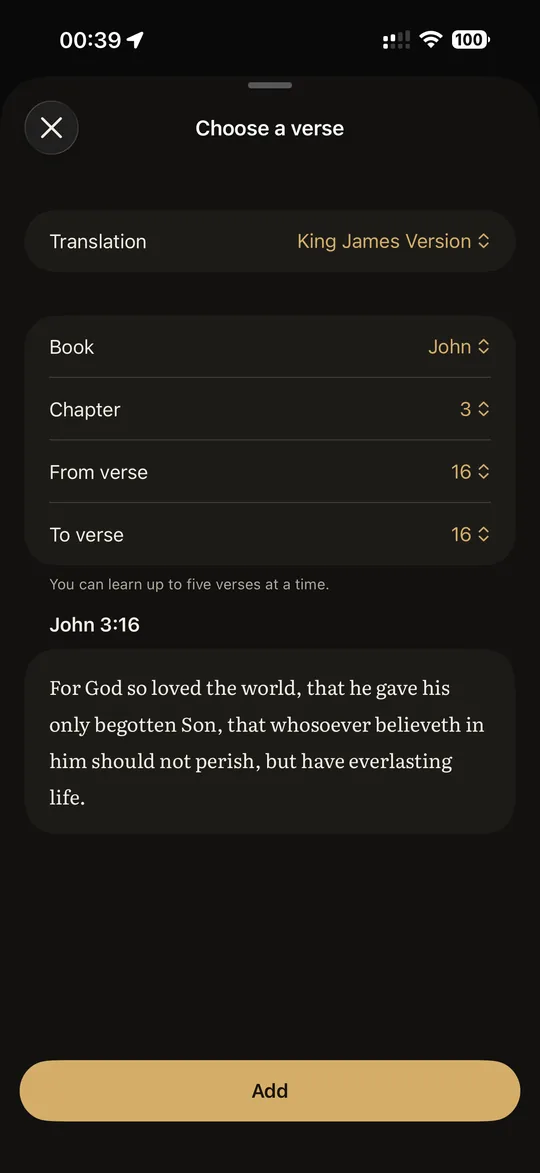
Learn verses by heart
Choose a verse and practise it in five different ways.
Review is spaced over time: the verses you know well come back less and less often, the ones you find hard come back sooner.
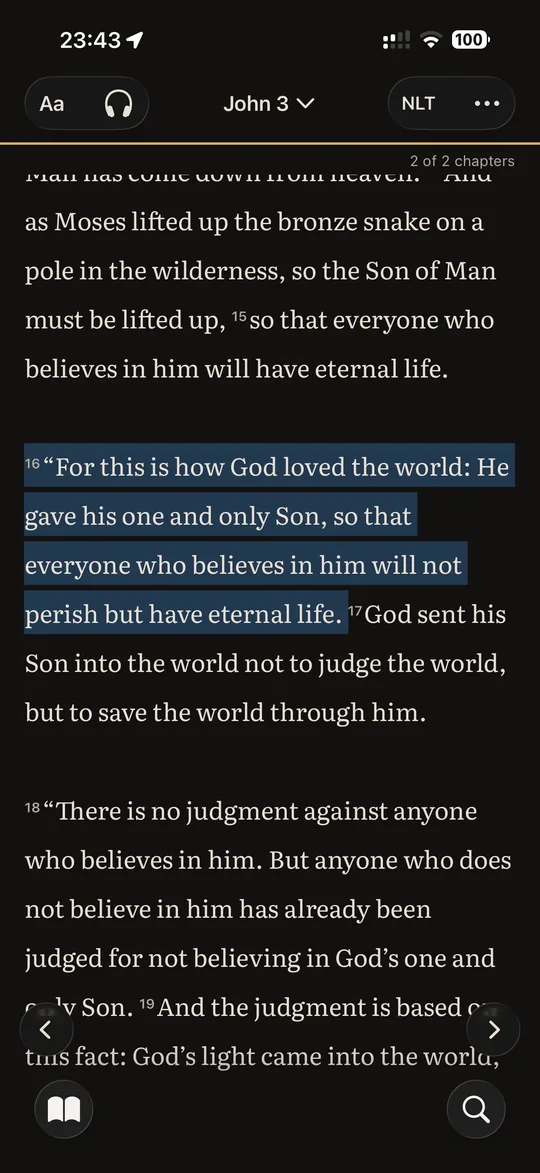
Eight translations and over 340,000 cross-references
Statenvertaling, KJV, BSB, WEB and ASV work offline. NLT, NKJV and AMP load online.
Read two translations side by side, search the whole Bible, listen to a chapter read aloud, and keep highlights, notes and saved verses. Three dark and light themes, in English and Dutch.

“The seed is the word of God.”
The ear of wheat rising from the open Bible in our logo comes from this verse.
Privacy
Morning Bread has no ads, no tracking and no analytics. The apps you choose to lock stay on your iPhone: Apple’s Screen Time gives the app anonymous tokens, so we cannot see which apps they are or how you use them. An account is optional and only syncs your highlights, notes, plans and progress between your devices.
Morning Bread is free
No ads and no in-app purchases. Made for iPhone by Regium IT Solutions in the Netherlands.
Coming soon to the App Store